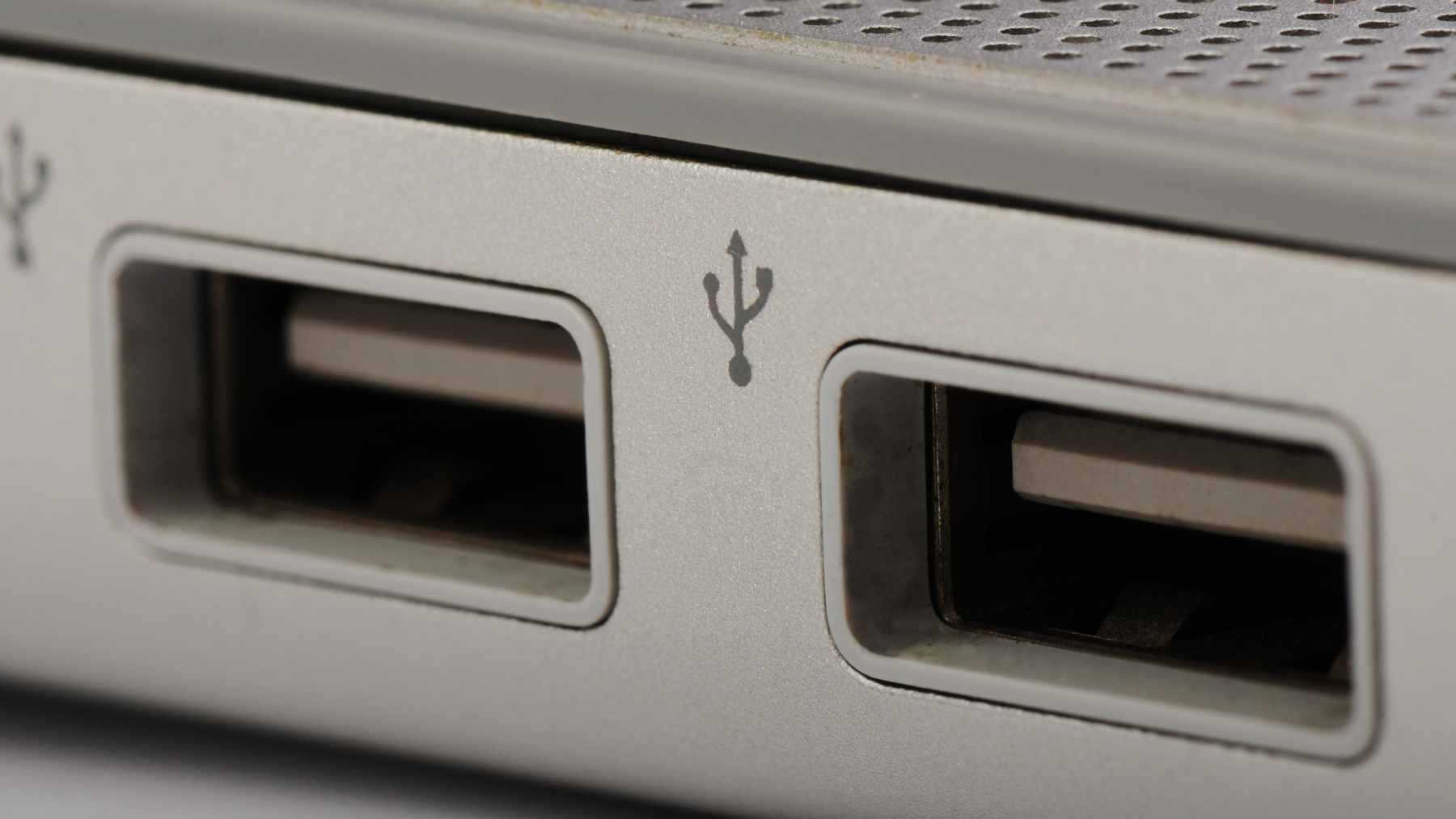
Most people spot the little yellow USB port on a laptop or desktop and think of one thing; charging convenience. You plug in a phone, wireless earbuds or a smartwatch and walk away without even turning the computer on. Easy. Familiar.
At Featured Inquisitr we looked at what that color really means. To a large extent it is a smart feature that keeps power flowing even when the machine is sleeping or fully shut down. The catch is that the yellow plastic tells you almost nothing about data speed, so it can quietly become the worst place to plug in a fast external drive.
What the yellow USB port actually does
A yellow USB port is part of a small family of USB A connectors designed to stay powered even when the computer is in sleep, hibernate or off mode. Manufacturers often label this as “Always On” or “Sleep and Charge”. In practice it means the port keeps delivering five volt power so you can top up a phone or headphones without waking the system.
That ability is electrical, not about speed. Guides from makers like Corsair show that yellow ports can be wired either to classic USB 2.0 at up to 480 megabits per second or to USB 3.0 at up to 5 gigabits per second.
On the power side, the underlying standards matter more than the color. Early USB 2.0 ports were designed to provide up to 2.5 watts while USB 3.0 can reach about 4.5 watts, enough to run a small hard drive or keep a phone charging on a hot afternoon next to your laptop fan. So that yellow tab really means “this port stays alive” rather than “this port is fast”.
When convenience turns into slow transfers
Here is where everyday frustration creeps in. You plug a big 4K video file or a backup drive into the most visible port on the front of your tower, which happens to be yellow. The copy crawls along and you blame the external drive or the cable.
In many setups the real bottleneck is that the yellow port is only USB 2.0, perfectly fine for a mouse or keyboard but painfully slow for modern storage.
To make things more confusing, some boards wire yellow ports to USB 3.0 speeds while others reserve that guarantee for orange ones.
And color coding itself is not a strict standard. Technical notes from Eaton and other hardware specialists point out that manufacturers are free to reuse colors in different ways, so a red or yellow tongue might mean “always on”, “high power” or simply “special feature” depending on the brand.
In practical terms that means you should treat yellow as a charging hint, not a promise of high performance. If speed matters, look for blue or teal USB A ports clearly labeled as SuperSpeed, or check the manual before assuming anything about the yellow one.
The energy story hiding behind that yellow rectangle
Keeping a port awake has a price. Even when nothing is plugged in, the circuitry that watches for a cable connection draws a small trickle of electricity.
The site at Lawrence Berkeley National Laboratory notes that many individual devices sip less than half a watt in standby, yet the total effect in a typical home adds up to roughly 5 to 10 percent of residential electricity use.
Energy agencies tell a similar story at national scale. Work for the International Energy Agency has estimated that standby modes can reach around one tenth of household electricity demand in developed economies.
That covers everything from set top boxes waiting for a remote signal to routers blinking in the corner and, yes, laptops that keep a yellow USB port ready to charge your phone all night. It is like paying for a small lamp that never quite goes off, even when the room looks dark.
A 2025 review in the open access journal Energies, published by MDPI, describes standby power in household electronics as “a persistent source of energy waste worldwide” and shows that smart control circuits which fully cut power in standby can save dozens of kilowatt hours per year for common appliances.
For one yellow port the saving is modest, but multiplied across millions of always-on features it becomes noticeable in both emissions and electric bills.
Why USB C looks the same everywhere
If you are wondering why USB C did not adopt a rainbow of colors, the answer is that the connector is just a shape. Technical guides on USB C stress that a Type C socket can hide anything from basic USB 2.0 speeds to the latest USB4 and high-wattage charging.
Instead of colors, makers rely on tiny icons and spec sheets to indicate whether a port supports fast data, video output or high-power delivery.
In a way that avoids the yellow port problem. You are forced to look up the capabilities instead of trusting a single color that may not mean the same thing from one brand to the next.
How to use yellow ports without regrets
For most people the safest rule is simple. Use the yellow USB A port as your charging buddy, not as your default data port. Plug in phones, earbuds, smartwatches or low speed accessories that you do not mind leaving connected. For big photo libraries, external SSDs or cameras, hunt down a clearly labeled SuperSpeed USB or USB C port for transfers.
If you rarely charge devices from your computer, it may be worth digging into your power settings. Many laptops, including models from Lenovo, offer options in their utilities or BIOS menus to disable “always on” USB behavior, or at least to turn it off when the machine runs on battery so you do not wake up to a warm backpack.
At the end of the day that small strip of yellow plastic is not a design flourish. It is a reminder that your computer can act like a quiet wall charger, even when the screen is black. Understanding what it does and what it does not promise helps you avoid slow copies, trim a little wasted energy and make better use of the hardware you already own.
The study was published in Energies (MDPI).