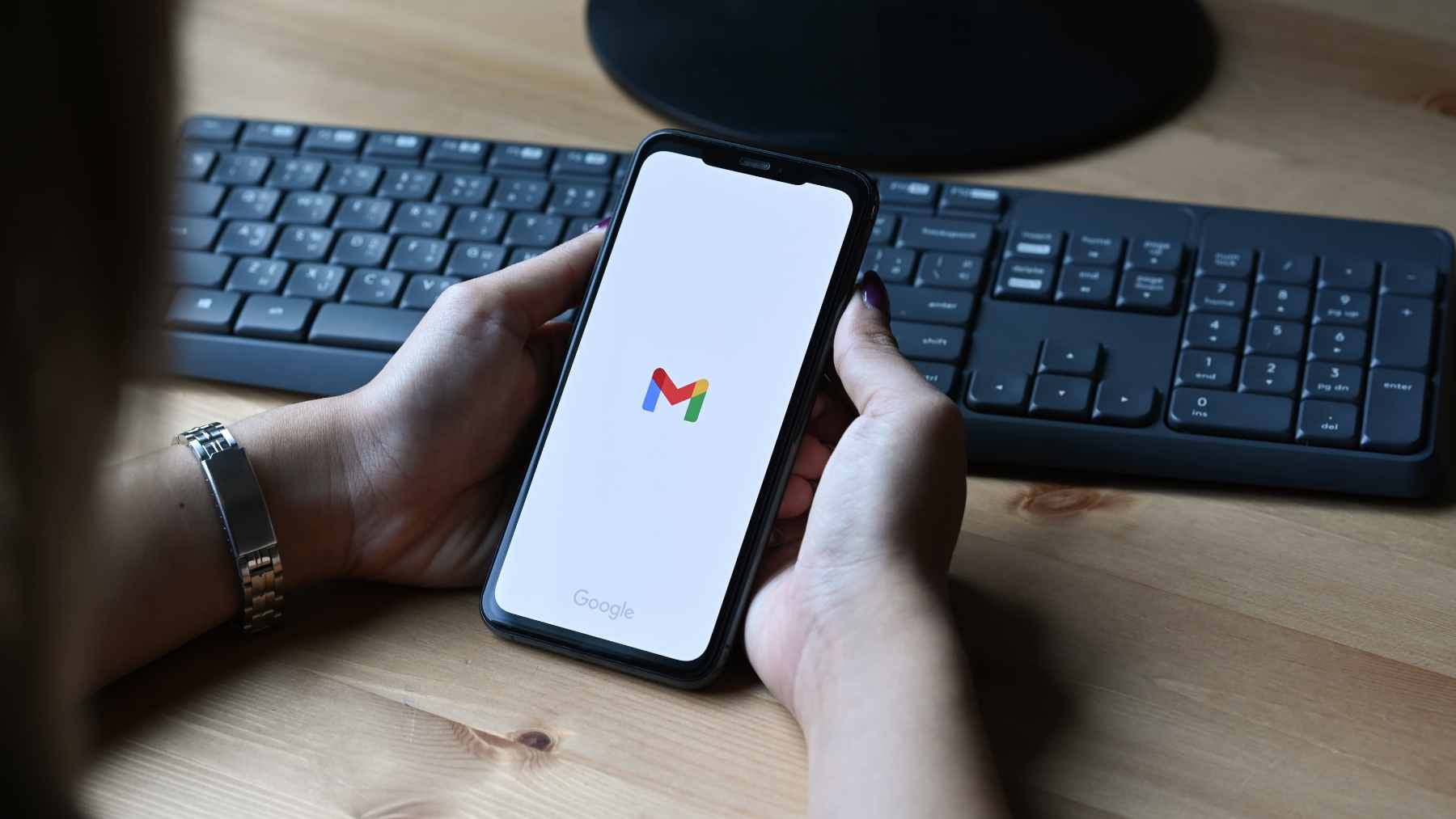
Millions of people use Gmail as a central hub for every message that matters in their daily life. Work updates, school notices, shopping receipts, travel plans, even that password reset you needed at midnight all land in the same familiar inbox.
Behind that red and white envelope icon, though, Google is making a quiet but important change. Two long standing features that let Gmail act like a control center for other email accounts are both on their way out.
Gmailify and the “Check mail from other accounts” option that relies on the old POP3 protocol are being phased out and will disappear in 2026.
For anyone who has treated Gmail as a one-stop shop for Yahoo, Outlook, or custom domain addresses, this is more than a small settings tweak. It reshapes how and where you read your mail each day.
Two quiet switches inside a massive service
According to an official support page, Google will stop allowing new users to turn on Gmailify or POP3 fetching sometime in the first quarter of 2026, while existing users can keep the features running a little longer, until they are shut down later in the year.
Crucially, the change does not delete any email that is already in your account. Your address and your stored messages stay put.
What disappears is the built-in way to have Gmail regularly fetch new mail from external accounts and then apply Gmail style spam filters and categories to everything in one place, a setup earlier described in Google’s “Check mail from other accounts” help guide for adding external inboxes to Gmail on the web.
Gmailify was introduced so that people with big third party providers like Yahoo Mail or Outlook could plug those inboxes into Gmail without giving up conveniences such as automatic sorting into tabs and Google’s powerful search.
It essentially wrapped another inbox in a Gmail layer so that everything behaved like native Gmail even if the underlying account lived somewhere else.
The older POP3 fetcher served a simpler purpose. It let Gmail reach out to other servers, grab copies of new messages, and store them permanently in your Google account. Many freelancers and small businesses used this to route mail from a custom domain into a free Gmail address without paying for Google Workspace.
That behavior matched the way POP access is documented in Google’s own email client instructions for downloading mail from a server. Once support ends, that hub model breaks.
Who feels the change first
The first group likely to feel the change are people who manage several mailboxes from one Gmail login, including addresses from their own domain.
The detailed Spanish language guidance aimed at administrators highlights multi-account users, freelancers, and small firms that used Gmail as a free front end for business email rather than paying for a dedicated mail service.
Losing Gmailify also matters for anyone who liked letting Gmail’s spam filters and categories clean up external accounts without logging into those providers directly. Yahoo and Outlook users who relied on Gmail to tame their inboxes will see the experience shift.
After the cutoff, you will still be able to sign in to those external accounts on their own sites or apps. What you will not be able to do is treat Gmail on the web as the single control panel that automatically pulls everything in and applies one set of rules.
On phones and tablets, the Gmail app can still act as a multi inbox viewer that syncs several accounts over IMAP, a setup Google continues to explain for common mail clients in its IMAP configuration guide.
How to check whether you are affected
If you are not sure whether any of this applies to you, Gmail’s settings offer a quick reality check.
On a computer, open Gmail in a browser, click the gear icon, then “See all settings.” From there, open the “Accounts and import” tab. Under “Check mail from other accounts” you will see any external addresses that Gmail has been fetching via POP, a flow that used to mirror the way Gmail describes POP connections in its step-by-step help pages for third party clients.
If you see a work domain or a long-forgotten Yahoo address listed there, you are using a feature that is going away. Those messages that already arrived in Gmail will stay searchable. Only future fetching stops. You will still be able to do a one-time import of messages and contacts from other providers, but continuous syncing will end.
What does not change is Gmail itself as a server that speaks POP and IMAP to outside apps. Email programs like Outlook, Apple Mail, or Thunderbird can continue to connect to Gmail the usual way, following the standard connection settings Google documents for Workspace administrators and users who rely on traditional mail software.
You can still connect to your Gmail account from third party apps using those standard protocols. What is ending is Gmail’s own ability to reach out as a POP client to other mailboxes on your behalf.
Options for life after POP and Gmailify
So what are the realistic alternatives if you have been relying on Gmail as a central hub. Experts advise starting with a simple audit. Make a list of any addresses shown under “Check mail from other accounts” in your Gmail settings and where they currently live. For each one, you can decide whether to retire it, move it, or keep it active in a different way.
If you want all new messages from those accounts to land in your Gmail inbox automatically, enabling server side forwarding at the original provider is the closest match to how POP fetching worked. Many hosting providers, Yahoo accounts, and other services let you forward all incoming mail to another address.
Google now explicitly recommends this approach in its help pages, and external technical write ups walk through migration timelines and pitfalls so that you can switch without losing mail
Another option is to connect your non-Google accounts to the Gmail app on Android or iOS using IMAP. In that setup, the mobile app becomes the place where multiple inboxes live together.
You can read and reply from each address inside the app without having the messages permanently stored in your main Gmail account, a pattern that lines up with how Gmail is already reshaping mobile experiences and data use on Android in other areas of its ecosystem
Finally, people who really need a single pane of glass on a computer rather than a phone may want to look at classic desktop mail clients. Programs like Outlook, Thunderbird, or Apple Mail can combine multiple IMAP accounts, including Gmail, into one interface.
For businesses that want the all in one Gmail experience with their own domain, migrating to Google Workspace is the official route suggested in help materials and lines up with broader political and regulatory scrutiny of big tech firms and how they run core services like search, mail, and AI tools
The quiet end of an era for power users
For casual users who only ever had one Gmail address, these changes may barely register. Mail will keep arriving the same way it always has.
For people who treated Gmail like a Swiss Army knife for all their other inboxes, though, 2026 will require a bit of planning. That might mean turning on forwarding at an old domain, dusting off a desktop mail program, or finally moving a side project account into a paid Workspace plan.
It also lands at the same time that Gmail is adding more AI features and raising fresh questions about how much control users really have over what happens to their messages in the background, a tension that has already shown up in debates over Google’s AI search behavior.
The upside is that none of the history already sitting in your Gmail archive is at risk. The inconvenience comes in how new messages get in and where you read them. If you handle client work, billing, or important family logistics through those external addresses, it is worth putting in an hour now to map where every future message will land.
The official statement was published on Gmail Help.